Before starting this chapter
[1] You need your HIRODAI ID(student ID) and HIRODAI Password to go on this chapter.
[2] Follow the link to access "HIRODAI moodle".
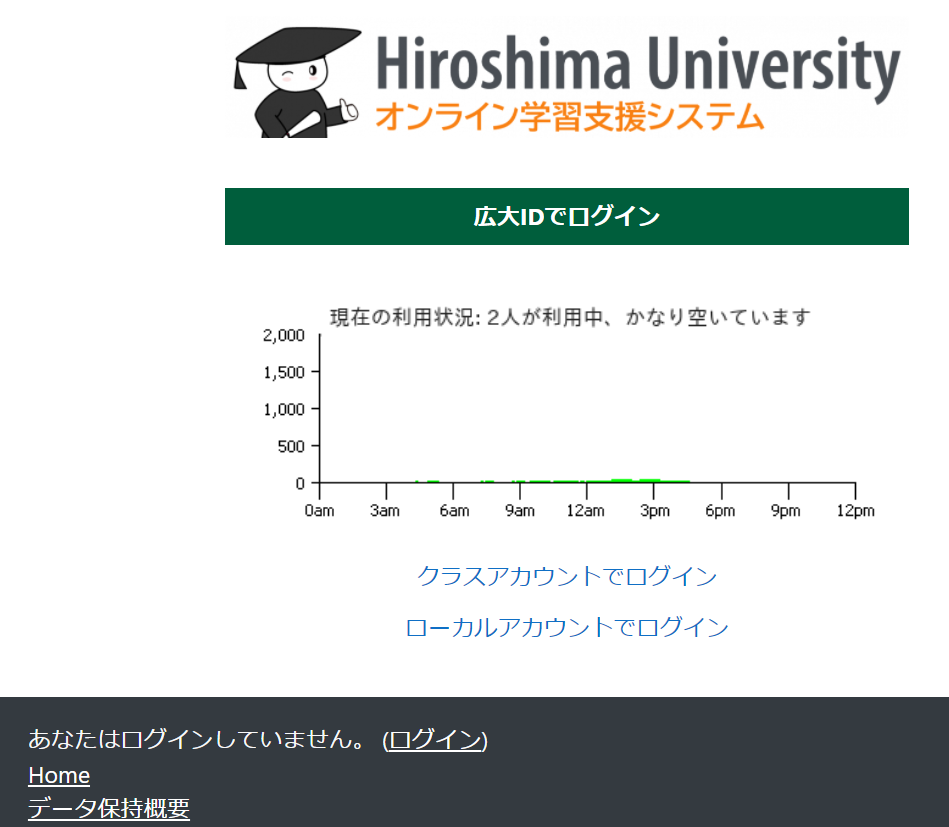
https://moodle.vle.hiroshima-u.ac.jp/local/hulogin/Click "Login by HIRODAI ID"
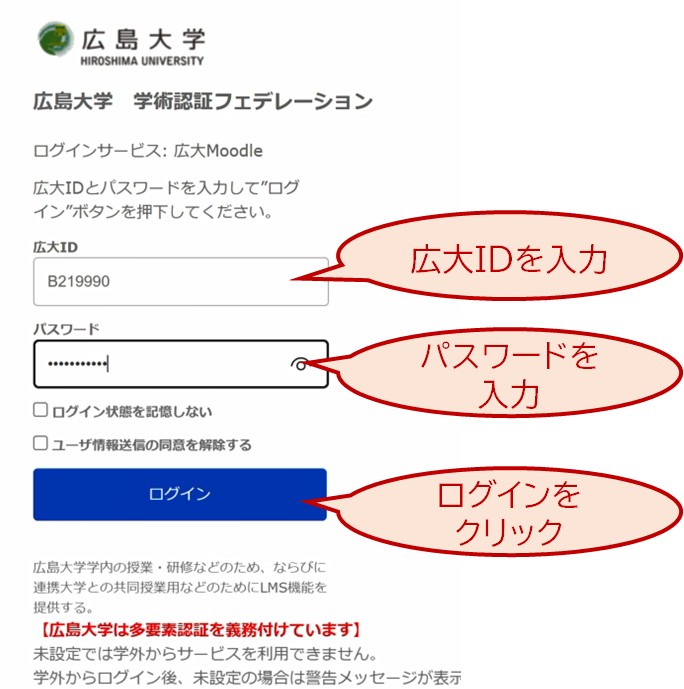
[3] Input HIRODAI ID(your student number) to the "User Name" box, and input your HIRODAI password to the "Password" box.
(*) This login form may be skipped. This is a normal behavier, so please go on.
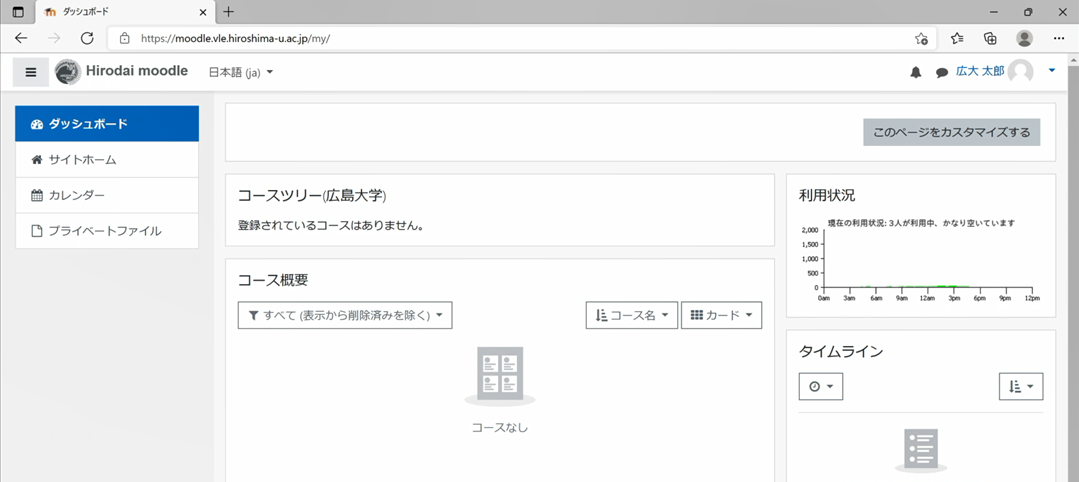
[4] Confirm that you can see a page similar to this pic.check-8
[5] Click "How to setup MFA" in "HIRODAI moodle", and read the instruction in the course.
[6] Follow the instruction to setup MFA of your IMC account.check-9
[7] Follow the instruction to setup MFA of your HIRODAI ID.check-10